Interactive Elementary Learning Center
Duration
February 2023 - April 2023
The Team
Austin Shih (team lead)
Yugi Retharekar (team lead)
Brendan Leung
Amy Yu
Samantha Iraheta
Ayaan Puri
Emily Ng
Darshan Shivakumar
Tech Stack
React.js
Node.js
HTML/CSS
JavaScript
About the Project
Our group was a part of a campus club called #include at Davis, which is a “student-run organization at UC Davis that builds websites and mobile apps for local organizations in the Sacramento and Davis community.” When I signed up for this club, something that really appealed to me was that not only was this a club that created products on cross-functional teams (developers and designers), but they were also creating usable products for local organizations (something that other clubs at UC Davis do not offer).
For this product, this would be a quarter-long project (roughly 3 months) that would be created for Interactive Elementary Learning Center, a new student-created organization that hoped to offer tutoring services in Davis. Since this was a new organization, they lacked the resources necessary to make a website and were hoping for a website that would accurately display their mission, goals, and services.
The Timeline
Like most products, the design team took on this project first, creating mockups and designs of our future website on Figma. This took about a month. In the meantime, the development team took on the project of learning a lot about the tech stack we were to take on. Since a lot of us had little experience in frontend development including me, it was incredibly important to learn more while we could. This meant taking classes taught by our tech leads centered around HTML/CSS, React, and Node.
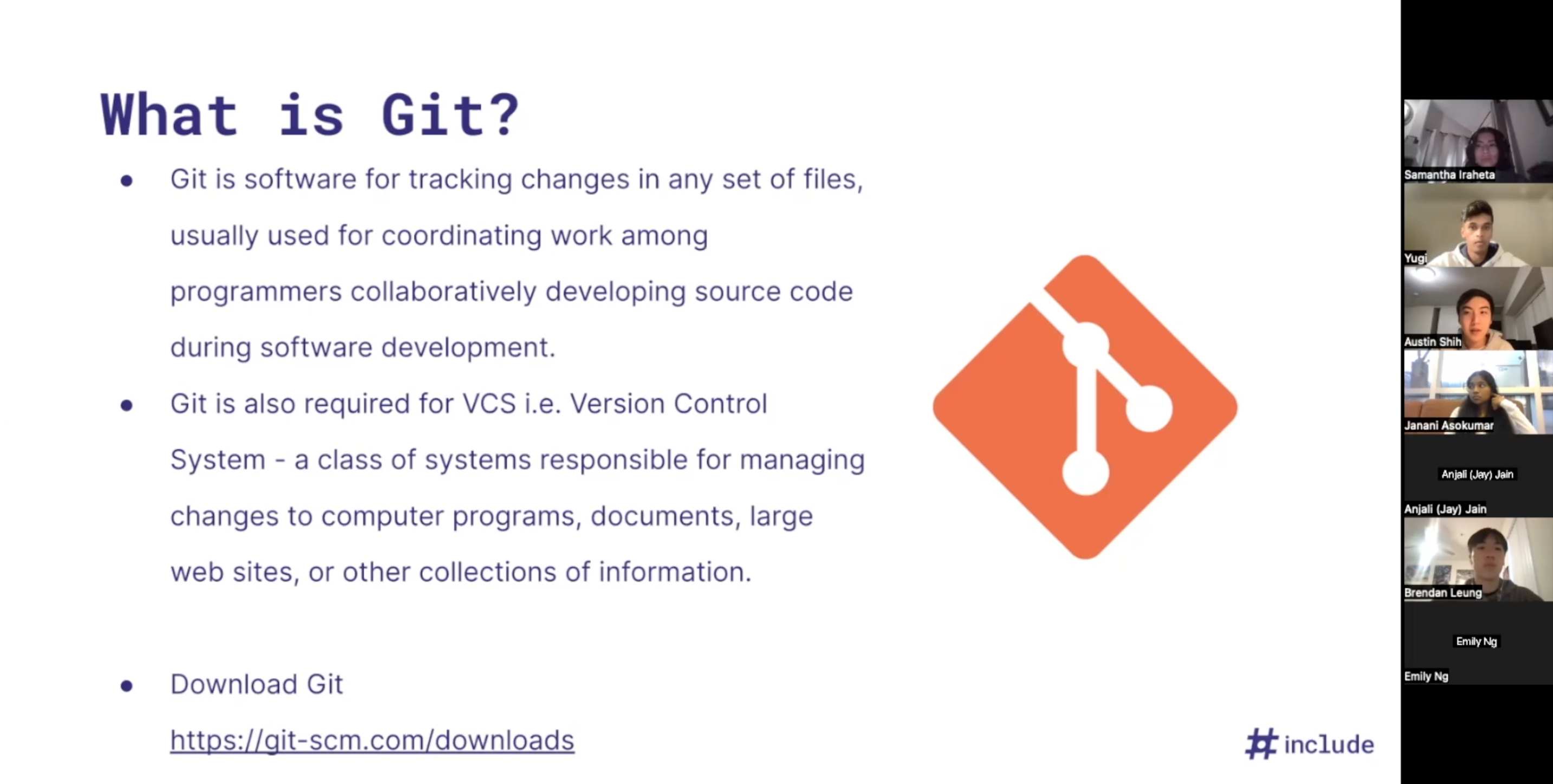
The first meeting with the development team, where we learned about GitHub!
Following these classes, the new two months would be our turn. It was our time to shine and use our newly-learned skills to create this website!
My Assignment
Each member of the team took on a different page or component of the website. For me, I started by creating a component, followed by a page.
The first component I created were the social media icons. The icons were available through the Figma file that we had, but we wanted a way to easily resize them and change their color as necessary. Prior to this, I had no experience working with components, especially ones that took arguments. However, after a quick Google search, I realized that components worked a lot like functions, which were an essential part of computer science basics.

The social media icons that I was working with!
The page that I created was an overview page for the program. Since IELC’s goal was to work primarily in the summer, I needed to create a page that would showcase this. My page needed to showcase three things:
- An intro splash/image
- A basic intro paragraph
- Buttons that could redirect elsewhere, whether to other grade levels or to an application
Overcoming Challenges
Compared to my Zion Lutheran redesign, something that I needed to do with this website was to create a page that could work both on mobile and desktop. Under the guidance of our tech lead, their recommendation was to create mobile first. While I had no experience doing this, this was a great idea, combined with their strict guidelines of structuring everything through flexbox.
By doing mobile first, it eliminated the challenges that I had in my prior project. This was due to using both a combination of a lack of flexbox and by doing desktop first, everything became misaligned when the screen size changed. However, by doing mobile first, it allowed for easy expansion afterwards.
Most of the challenges with this project could be solved within a quick Google search or with a quick chat with our tech leads. I think something I really enjoyed about this project was having someone to help me within a moment’s notice, compared to when I was doing solo projects. Even in times where our team lacked proper communication online, we could usually figure things out through our weekly meetings in person.
In the End..
Overall, I really enjoyed this project. This was my first experience with React, while also being my first time working in a team-oriented environment going through the software development life cycle. Even though this didn’t exactly mimic the industry lifestyle, I think it was a good peek into what working on projects in an industry-like environment could be like.
It also allowed me to practice my communication skills with other developers, while also speeding up my learning processes by being able to have someone to mentor me. I definitely found that having someone within minutes’ access allowed me to learn a lot quicker, compared to prior projects where I was working on my own.
This was also the first time I was required to code a project based off of a Figma file. Because of this, I think it gave me a lot of experience of what it would be like in the design/frontend industry. Overall, my application page turned out very well and it mirrored very closely to what the Figma file had planned!
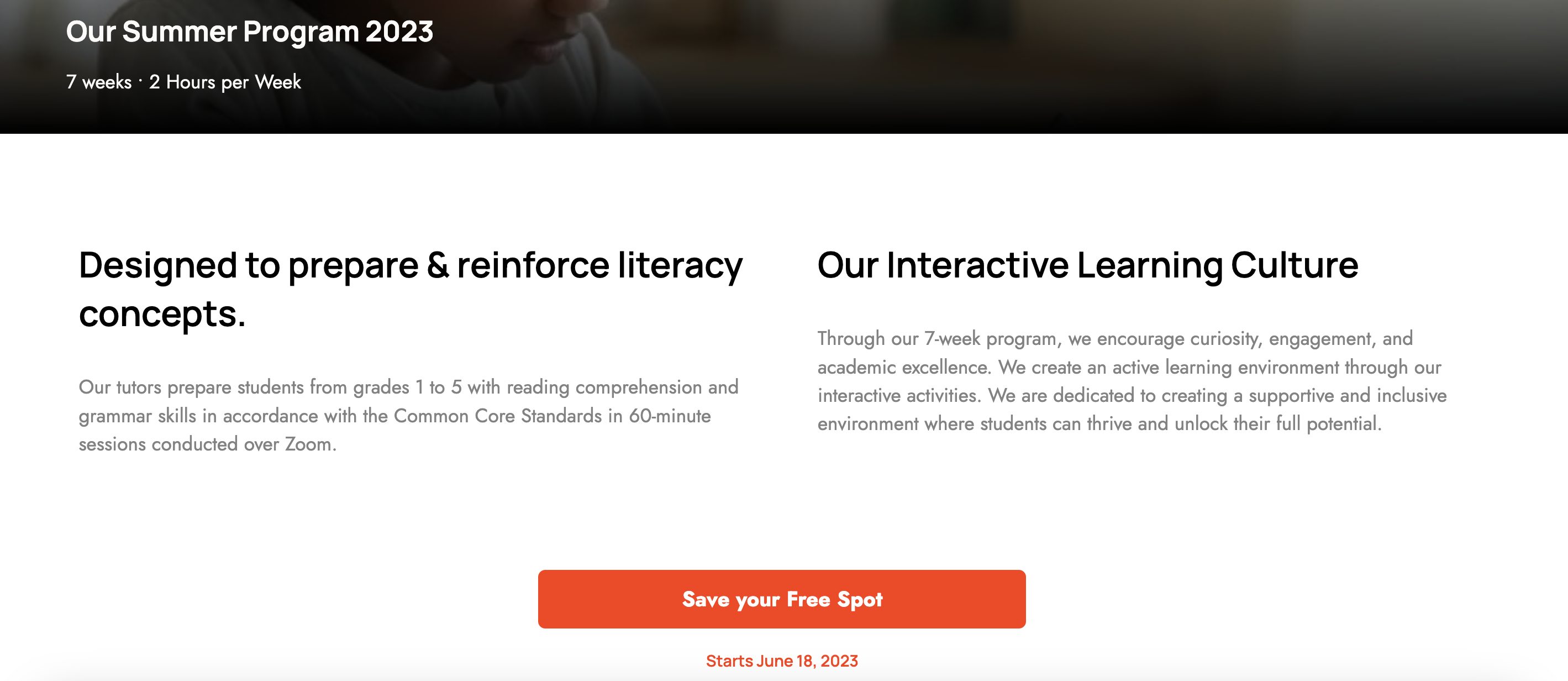
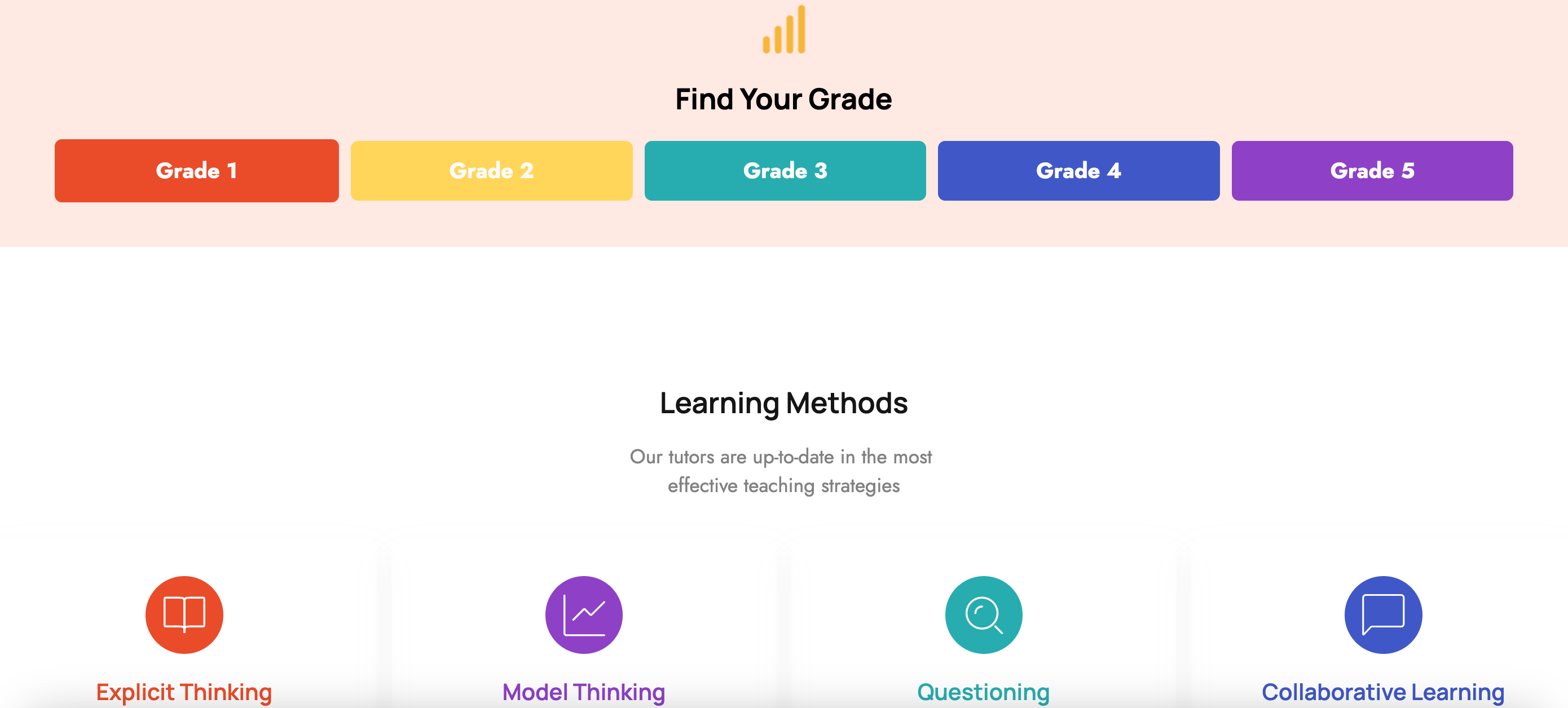
The completed IELC page that I worked on!